
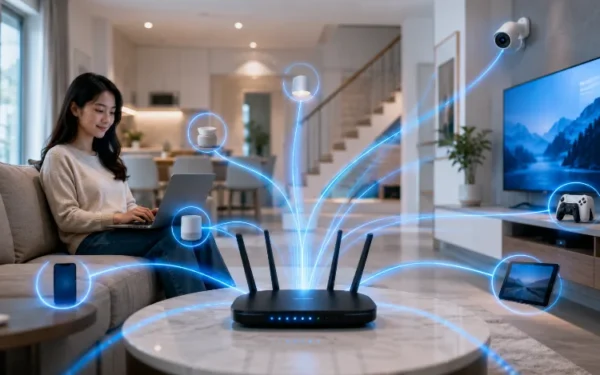
How Wi-Fi 6 Handles Busy Homes with More Connected Devices
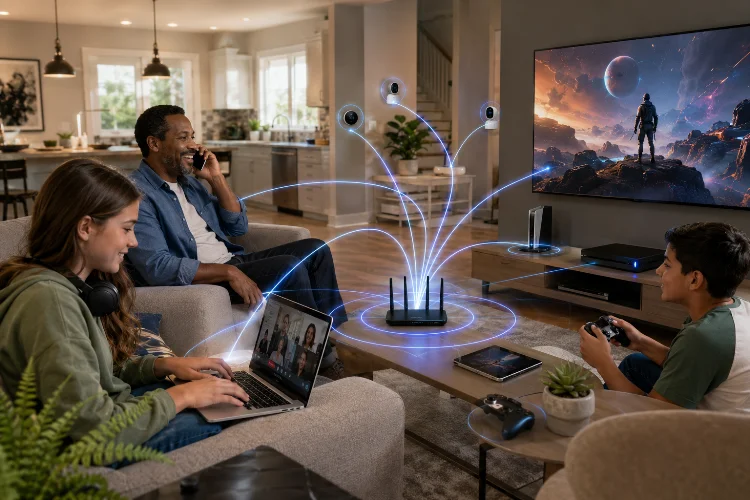
A typical home Wi-Fi network has become much busier than it was a decade ago. Two phones might be scrolling through social media while a television streams 4K video, a laptop joins a video call, a games console downloads an update, and several smart cameras quietly send data in the background.
The challenge is not simply delivering more speed. A modern router also needs to manage dozens of devices competing for wireless airtime without turning everyday internet use into a frustrating experience.
Understanding How Wi-Fi 6 Handles Busy Homes helps explain why this wireless generation can feel noticeably better in device-heavy households. Based on the IEEE 802.11ax standard, Wi-Fi 6 introduces technologies designed to improve capacity, efficiency and responsiveness, particularly when many devices are active at once.
Why Modern Homes Put So Much Pressure on Wi-Fi
Counting people in a household no longer tells you how busy its wireless network is.
A family of four could easily have four smartphones, several laptops, tablets, smart televisions, speakers, security cameras, gaming systems, watches and connected appliances. Some devices require large amounts of bandwidth, while others continuously exchange small pieces of data.
Streaming a movie and checking a smart thermostat obviously place very different demands on a network. The router still has to coordinate both connections alongside everything else happening at the same time.
Wi-Fi 6 was developed partly with these increasingly crowded wireless environments in mind. Qualcomm describes the technology as offering greater network capacity for high-density environments where growing numbers of connected devices compete for network resources.
OFDMA Makes Wi-Fi Traffic More Efficient
One of Wi-Fi 6’s most important features is Orthogonal Frequency-Division Multiple Access, usually shortened to OFDMA.
Imagine a delivery van carrying one small package but making an entire trip for a single customer. That works, but it becomes inefficient when hundreds of deliveries are waiting.
OFDMA takes a different approach. It can divide a wireless channel into smaller resource units, making it possible to serve multiple compatible devices more efficiently rather than treating every transmission like one large indivisible task.
For a busy home, that matters because smart devices often send relatively small amounts of data. Phones, cameras, speakers and other equipment can share available network resources more efficiently instead of constantly competing for an entire channel.
Intel lists OFDMA among the major capabilities of Wi-Fi 6, while Qualcomm highlights its role in improving performance across congested networks.
MU-MIMO Helps When Several Devices Need Data
Wi-Fi 6 also improves MU-MIMO, or Multi-User Multiple Input Multiple Output.
The technology allows compatible access points to communicate through multiple data streams, helping the network serve several devices more effectively. Wi-Fi 6 supports both uplink and downlink multi-user capabilities in suitable implementations.
In practice, think about an evening when one television is streaming Netflix, another person is gaming, two phones are watching short videos, and someone is backing up photos.
Rather than focusing exclusively on making one device incredibly fast, Wi-Fi 6 is designed to improve how available wireless capacity is distributed.
That distinction is important. The biggest benefit in a crowded home may be consistency, not an enormous jump in a single-device speed test.
Streaming TVs and Gaming Devices Get More Consistent Connections
A 4K television can consume a steady stream of bandwidth for hours. Gaming devices, meanwhile, benefit from low latency and predictable network response.
Add several phones playing videos and a laptop running a video conference, and the network can become congested quickly.
Wi-Fi 6 uses more advanced packet scheduling and multi-user technologies to make these situations easier to manage. Cisco notes that the standard can reduce data latency through improved packet scheduling, benefiting applications such as voice, video and gaming.
This does not mean Wi-Fi 6 magically eliminates every lag spike. Your internet connection, router position, interference and game servers still matter.
What it can do is make local wireless perfomance more predictable when several demanding devices are communicating simultaneously.
Smart-Home Devices Benefit from Target Wake Time
Not every device needs a continuous high-speed connection.
A smart sensor, door lock or connected appliance may only need to send small updates occasionally. Keeping these devices constantly active would waste both wireless airtime and battery power.
Wi-Fi 6 introduces Target Wake Time, or TWT, which allows compatible devices and access points to coordinate scheduled periods for communication. Devices can remain asleep for longer periods and wake when they need to exchange data.
That makes the feature particularly interesting for Internet of Things devices.
TWT can also improve energy effeciency. Cisco documentation notes that client devices supporting the feature may consume substantially less power in suitable circumstances, although real-world battery improvements depend heavily on the hardware and how it is used.
Wi-Fi 6 Cannot Fix Every Home Network Problem
It is easy to assume that replacing an old router will solve every Wi-Fi problem, but wireless networking is more complicated.
If your broadband connection only provides 50 Mbps, installing a high-end Wi-Fi 6 router will not suddenly turn that internet connection into 500 Mbps. Your external connection remains the upper limit for internet traffic.
Coverage is another issue. A powerful router sitting behind several thick walls may still provide poor reception in distant rooms.
Router placement, channel interference, building materials and the capabilities of client devices can all influence real-world results. Even the theoretical advantages of 1024-QAM depend on having sufficiently good signal conditions. Intel identifies 1024-QAM as a Wi-Fi 6 capability, but theoretical specifications should not be confused with guaranteed household speeds.
Sometimes repositioning a router or installing a suitable mesh system produces a bigger improvment than simply replacing hardware with a newer Wi-Fi generation.
When Wi-Fi 6 Makes Sense for a Busy Home
Upgrading becomes more attractive when an older Wi-Fi 5 or earlier router regularly struggles under simultaneous usage.
Suppose your connection works perfectly with one laptop but becomes unstable when the whole family gets home. Streaming quality drops, video calls stutter and online games suddenly experience higher latency. Those symptoms may suggest congestion within the local wireless network rather than insufficient broadband alone.
A Wi-Fi 6 router is particularly sensible when many of your main devices already support the standard.
Older devices will generally still connect because Wi-Fi generations are designed with backwards compatibility in mind, but they cannot necessarily take advantage of every Wi-Fi 6 feature.
It is therefore worth checking your phones, televisions, laptops and gaming hardware before buying new networking equipment. Upgrading makes more sense when both sides of the conenction can use the newer technology.
Wi-Fi 6 is valuable in busy homes because it focuses on efficiency as much as speed. Technologies such as OFDMA, MU-MIMO and Target Wake Time help manage phones, TVs, computers and smart devices sharing the same network.
If your older router struggles whenever everyone gets online, check your device compatibility and network setup. A Wi-Fi 6 upgrade could make everyday connectivity noticeably smoother.
Related Articles