Best Wi-Fi Routers for Large Homes With Multiple Connected Devices
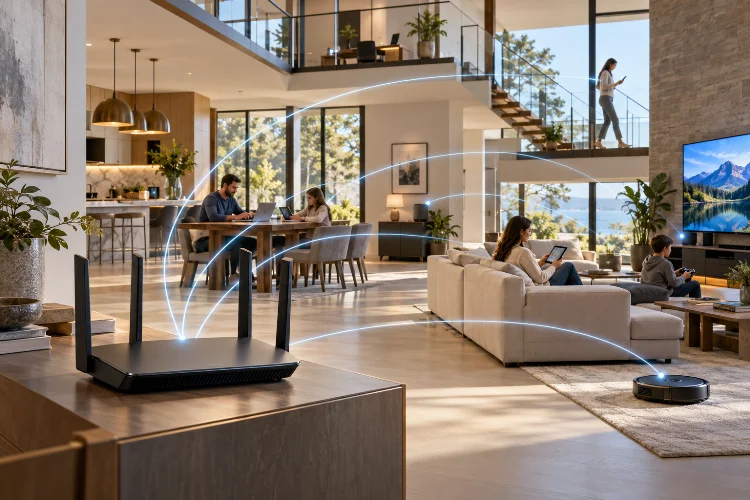
A router can advertise incredible speeds and still leave your upstairs bedroom with weak Wi-Fi. That becomes even more frustrating when dozens of phones, laptops, TVs, cameras, game consoles, and smart-home devices are competing for the same connection.
Finding the best Wi-Fi routers for large homes with multiple connected devices is therefore less about chasing the biggest number on the box and more about coverage, capacity, backhaul, and how efficiently the network handles many users at once.
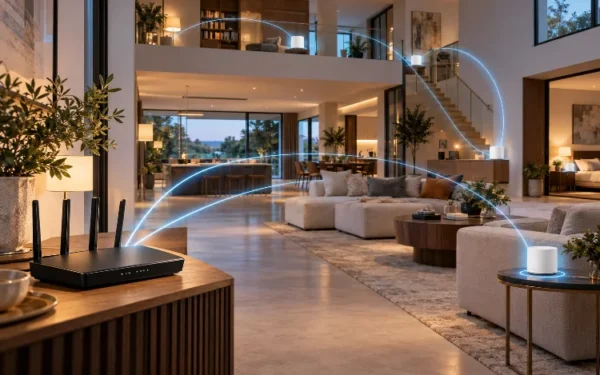
For a smaller apartment, one powerful router may be perfectly adequate. In a multi-story house, however, a mesh system is often the smarter choice because multiple access points can spread coverage across the building.
Modern Wi-Fi 7 systems also introduce technologies such as Multi-Link Operation, 320 MHz channels, 6 GHz connectivity, OFDMA, and improved multi-user capabilities. These features can help heavily connected homes maintain better performace as device counts grow.
Here are some of the strongest options currently worth considering.
TP-Link Deco 7 Pro BE63: Best Overall for Most Large Homes
The TP-Link Deco 7 Pro BE63 is one of the easiest recommendations for a large household that needs both strong coverage and room to grow.
It is a tri-band Wi-Fi 7 mesh system using 2.4 GHz, 5 GHz, and 6 GHz bands. TP-Link rates the two-pack for coverage of up to 5,800 square feet and support for more than 200 devices, although actual results naturally depend on walls, interference, placement, and client hardware.
One particularly useful feature is the presence of four 2.5 Gbps Ethernet ports on each unit. This gives you plenty of flexibility for multi-gig internet, wired devices, or Ethernet backhaul between mesh nodes.
The system also supports Multi-Link Operation and 320 MHz channels for compatible Wi-Fi 7 clients.
For most users, though, the biggest attraction is simply scalability. Start with two nodes and add another Deco later if your garage, upstairs office, or backyard still has weak coverage.
Current independent testing also places the Deco 7 Pro BE63 among the strongest large-home options, making it a good balance between premium networking technology and practical whole-home coverage.
NETGEAR Orbi 970: Best Premium Mesh System
If budget is secondary and maximum whole-home performance is the priority, the NETGEAR Orbi 970 Series is the premium option.
The three-unit Orbi 970 system combines a router with two satellites and uses quad-band Wi-Fi 7. NETGEAR rates the system for up to 10,000 square feet of coverage and as many as 200 concurrent connected devices.
One major advantage is its dedicated backhaul design.
In a wireless mesh system, the nodes need to communicate with one another as well as with your phones and computers. A strong dedicated backhaul connection helps reduce that bottleneck, which is especially important in a large property where satellites may be located far apart.
The Orbi 970 also includes 10 Gigabit networking capabilities and advertised aggregate wireless speeds of up to 27 Gbps. Those numbers should not be confused with the speed a single device will actually receive, but the hardware provides significant headroom for multi-gigabit networks.
For an enormous house with many heavy users, Orbi is impressive. The drawback is simple: it is expensive, so most households can get perfectly good results from less costly mesh systems.
eero Max 7: Best for Easy Mesh Networking
Some people want complete control over every router parameter. Others just want Wi-Fi that works without spending Saturday afternoon adjusting radio settings.
The eero Max 7 is much closer to the second philosophy.
Amazon’s eero Max 7 is a tri-band Wi-Fi 7 mesh router supporting 2.4 GHz, 5 GHz, and 6 GHz. It includes two 10 Gigabit Ethernet ports and two 2.5 Gigabit ports and is designed for internet connections up to 10 Gbps.
Eero also says a Max 7 can handle more than 250 connected devices. In a real home, actual capacity will depend heavily on what those devices are doing – a hundred sleeping smart sensors are much easier to handle than a hundred laptops streaming video.
Its TrueMesh architecture automatically manages routes between nodes rather than asking users to tune everything manually.
There is also built-in support for technologies including Zigbee, Thread, and Matter, making it particularly interesting for homes filled with smart-home equipment.
The downside is that users who enjoy detailed network customization may find eero less flexible than ASUS or other enthusiast-focused platforms.
ASUS ROG Rapture GT-BE98 Pro: Best Powerful Standalone Router
Mesh is not automatically necessary in every large house.
If your router can be positioned near the center of the property and the building does not have extremely difficult walls or multiple distant floors, a high-end standalone router may still provide excellent conectivity.
The ASUS ROG Rapture GT-BE98 Pro is built for that kind of high-performance setup.
It is a quad-band Wi-Fi 7 router with one 2.4 GHz band, one 5 GHz band, and two 6 GHz bands. ASUS lists maximum aggregate wireless rates approaching 30 Gbps along with support for 320 MHz channels, 4096-QAM, OFDMA, and Multi-Link Operation.
The router also includes dual 10G networking and eight external antennas.
Despite the gaming branding, those specifications are useful outside gaming. A large family simultaneously running cloud backups, 4K streaming, video conferencing, NAS transfers, and smart-home services can benefit from the extra network capacity.
ASUS also supports AiMesh, so the router does not have to remain a single-node system forever. Compatible ASUS hardware can be added later to expand coverage.
TP-Link Archer BE900: Best for Heavy Multi-Gig Wired and Wireless Use
Another strong standalone option is the TP-Link Archer BE900.
This is a quad-band Wi-Fi 7 router rated at up to 24.4 Gbps of combined theoretical wireless throughput. It uses a 6 GHz band, two 5 GHz bands, and a 2.4 GHz band, giving the router plenty of spectrum for distributing different devices.
Its wired connectivity is particularly impressive.
The BE900 includes two 10 Gbps interfaces, four 2.5 Gbps Ethernet ports, an additional Gigabit port, and USB connectivity. If your house contains a NAS, workstation, gaming PC, media server, or multi-gig fiber service, those ports can be genuinely useful rather than just impressive specification-sheet numbers.
It is also EasyMesh-compatible, meaning you can expand it into a whole-home mesh setup with compatible equipment instead of replacing the router entirely.
The BE900 makes the most sense for users who want powerful wired networking and wireless capacity in one central device.
For a house with several difficult dead zones, however, multiple strategically placed mesh nodes may still beat one extremely powerful router.
Mesh vs. Single Router: Which Is Better for a Large Home?
For large properties, this question is often more important than the specific brand.
A single router sends Wi-Fi from one physical point. No matter how expensive it is, walls and distance still weaken radio signals.
A mesh system distributes several access points around the home. Your phone can connect to a nearby node instead of trying to communicate with a router two floors away.
That is why a system such as the Deco BE63 or Orbi 970 often makes more sense for a large multi-level property.
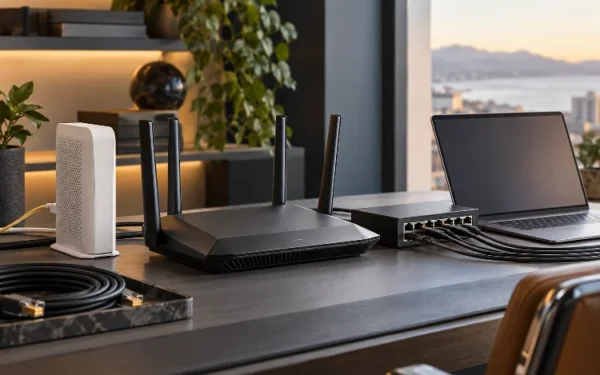
If possible, use Ethernet backhaul between mesh nodes. Wired backhaul removes much of the burden of inter-node communication from the wireless spectrum and can produce more consistent speeds throughout the house.
Wireless backhaul is convenient and can still work extremely well, especially on tri-band and quad-band systems, but node placement becomes more important.
Do not put a satellite directly inside an existing dead zone. It needs a good connection to another node before it can redistribute that connection effectively.
How Many Connected Devices Is Too Many?
Router manufacturers often advertise support for 100, 200, or even 250-plus devices.
Those numbers need context.
Thirty security cameras continuously uploading video create far more traffic than thirty smart bulbs waiting for commands. Likewise, four people transferring large files to a NAS can place more demand on the network than dozens of idle sensors.
Instead of focusing entirely on the maximum device count, consider concurrent activity.
A busy household might simultaneously have two 4K televisions streaming, several phones browsing, a gaming PC online, cameras uploading footage, laptops on video calls, and IoT devices communicating in the background.
That is where technologies such as OFDMA, MU-MIMO, additional frequency bands, Wi-Fi 7 Multi-Link Operation, and intelligent traffic management become valuable.
A good network spreads those workloads efficiently instead of simply bragging about how many devices can appear on the client list.
What to Look for Before Buying
Coverage should come first.
A router that delivers amazing benchmark results from five feet away is not particularly useful if your home office is separated from it by two floors and several concrete walls.
For a large property, look for expandable mesh support, Ethernet backhaul, and enough nodes to cover the actual layout rather than relying solely on manufacturer square-foot estimates.
Multi-gig Ethernet is also becoming more relevant. A router with 2.5G or 10G ports provides more headroom for fast fiber internet, NAS transfers, wired backhaul, and future upgrades.
Wi-Fi 7 is worth considering if you are buying a premium system today and expect to keep it for several years. However, your older Wi-Fi 5 and Wi-Fi 6 equipment will not suddenly gain Wi-Fi 7 features simply because the router supports them.
Finally, consider software.
Parental controls, guest networks, dedicated IoT networks, device prioritization, VPN support, firmware updates, security features, and an easy-to-use app can have a bigger everyday impact than another few thousand theoretical megabits per second.
The best router is the one that fits your actual enviroment, not necessarily the model with the largest number printed on the box.
For most large homes, a mesh system is the safest choice because it solves the coverage problem at the source: distance from the access point.
The TP-Link Deco 7 Pro BE63 offers an excellent balance of Wi-Fi 7 performance, multi-gig Ethernet, expandability, and device capacity. The Orbi 970 is the premium choice for very large properties, while eero Max 7 is attractive for users who prioritize simplicity.
If one router can realistically cover your home, the ASUS GT-BE98 Pro and TP-Link Archer BE900 provide enormous wireless and wired capacity.
Before buying, map your dead zones, count your heavy-use devices, and consider whether wired backhaul is possible. Choosing around your home’s layout will usually deliver a better result than simply buying the fastest router available.